
The H6 app finds only one hearing aid
Check whether the missing side has power before changing the phone settings. The H6 manual has a separate pairing procedure when the app or remote sees only part of the set.
Compare both aids
Remove both from the charged case. Record which side responds to its physical controls and which side appears in the app.
Use the correct pairing diagram
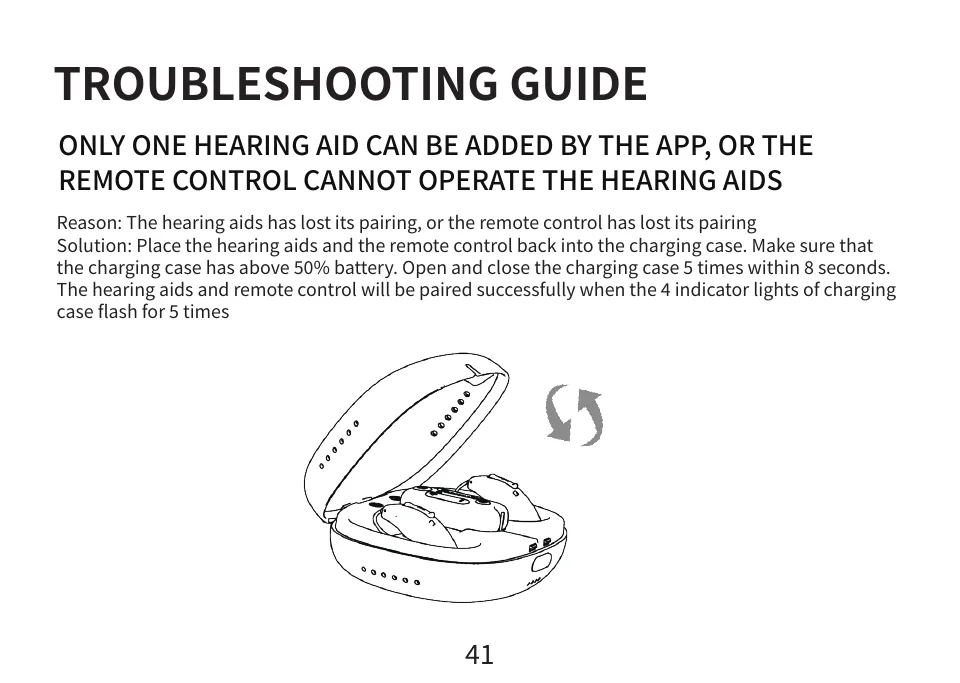
Go to PDF page 44 of the H6 manual. Follow the pictured case, remote, lid sequence and confirmation lights for this symptom. Keep the set together during the sequence.
Verify both paths
Reconnect and check left and right in the app. Then check the remote separately. If only phone calls fail, use the audio connection guide instead.
Still need help?
Tell support which side worked before and after the procedure, the case indication and whether both devices produce environmental sound.