
H6 phone calls stopped working after an update
A phone update can leave the companion app and Bluetooth audio in different states. Test each path separately.
Check the audio device
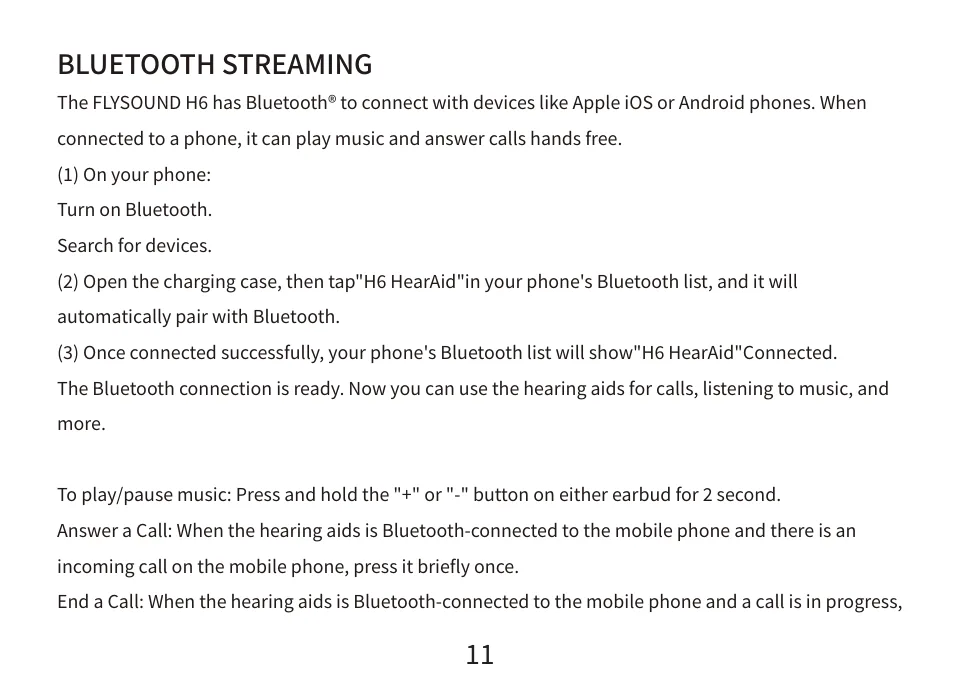
Open the phone’s Bluetooth list and look for H6 HearAid. PDF pages 14–15 of the H6 manual show the pairing entry. Record the phone model and system version.
Test playback and a call
Start familiar media at a comfortable level. Then make a call and check its output selector. Note whether you can hear the other person and whether they can hear you.
Check the app last
Open the companion app and check whether each aid is selectable. If media works but settings do not, report an app connection issue separately.
Still need help?
Include the last working system version if known and the exact step that failed. Avoid deleting a stored hearing profile as a first troubleshooting step.